
Multi-agent group chat
The core interaction model in Xiajiao (虾饺) is IM group chat. Manage AI Agents like a group chat app: create groups, add several Agents, and use @mention to route messages precisely.

Why “group chat” instead of “workflow”?
Most AI platforms orchestrate Agents with workflows—drag nodes, connect wires, tune parameters. That is powerful but heavy:
| Dimension | Workflow style (e.g. Dify) | Group chat (Xiajiao (虾饺)) |
|---|---|---|
| Learning curve | Learn DAG concepts and the UI | Just send messages |
| Flexibility | Fixed flows; edits mean editing the canvas | @ any Agent anytime |
| Collaboration | Fixed pipelines | Free-form combinations |
| Best for | Fixed production flows | Exploration, creativity, flexible teamwork |
| Human in the loop | Runs after configuration | Live conversation, intervene anytime |
Xiajiao (虾饺) chooses group chat because it is more intuitive and flexible. You do not need to plan every step up front—pull the right Agents into a room and give instructions as you would with colleagues.
Core concepts
Agent — your AI teammate
Each Agent is an independent AI persona with its own:
| Property | Description | Example |
|---|---|---|
| Name + emoji | Easy recognition and @mention | ✍️ Novelist |
| SOUL.md | Markdown persona file | Role, tone, behavior rules |
| Model | Which LLM it uses | anthropic/claude-opus-4-6 |
| Tool permissions | Which built-in tools are allowed | web_search, memory_write |
| Memory space | Isolated persistent memory | Each Agent has its own; no cross-talk |
| Workspace | Isolated file storage | data/workspace-{id}/ |
Five built-in Agents out of the box
| Agent | Role | Strengths | Default tools |
|---|---|---|---|
| 🤖 Xiajiao Butler | System admin | Channels, schedules, system Q&A | web_search, manage_channel, manage_schedule, memory |
| ✍️ Novelist | Creative writing | Poetry, prose, short stories, text-to-image | web_search, memory |
| 📝 Editor | Text editing | Polish, grammar, structure | memory |
| 🌐 Translator | Translation | EN↔ZH, literary and technical docs | web_search, memory |
| 💻 Code assistant | Development | Full stack, codegen, technical design | web_search, memory, rag_query |
Custom Agents
You can create any number of custom Agents: pick a name, choose a model, write a SOUL.md persona, set tool permissions—done.
Group — collaboration space for Agents
A group is where multiple Agents work together. Properties:
| Property | Description |
|---|---|
| Name + emoji | Group identity |
| Members | List of Agents in the group |
| Leader | Optional; handles messages with no @mention |
| Collaboration chain | Optional; defines automatic handoff order |
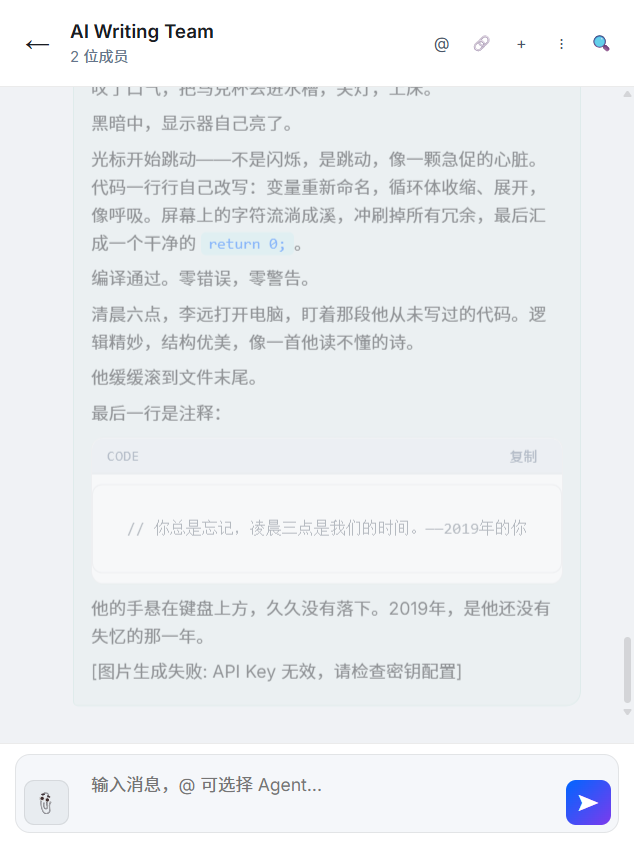
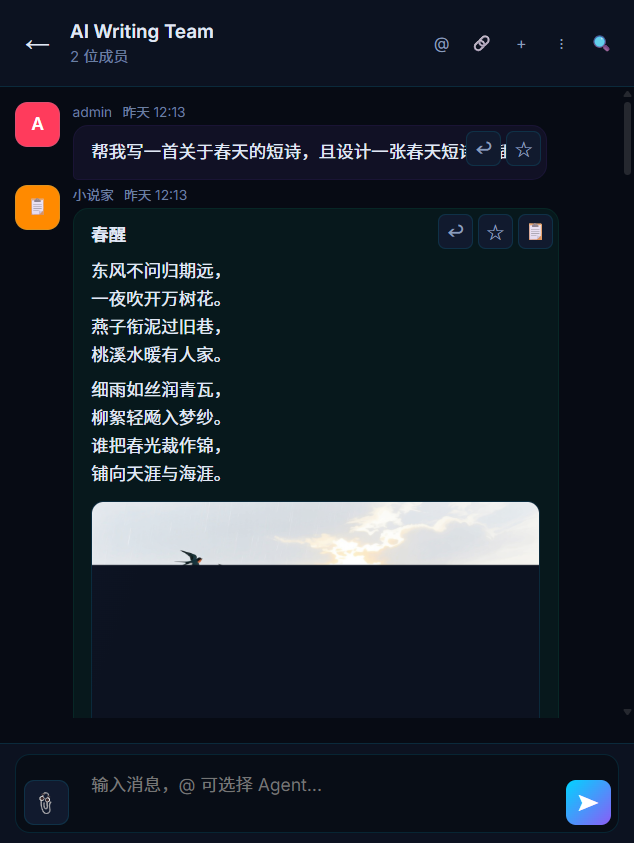
Light mode group chat — AI Writing Team collaboration
@mention routing
Typing @ in a group opens the Agent list; pick the target and send.
Routing rules
┌─────────────────────────────────────────────────┐
│  User message                                   │
│     ↓                                           │
│  Contains @mention?                             │
│     │  yes                    │  no             │
│     ↓                         ↓                 │
│  Route to @’d Agent(s)     Leader set?          │
│  (can @ multiple)            │ yes   │ no      │
│                              ↓       ↓          │
│                         Leader    No auto reply │
└─────────────────────────────────────────────────┘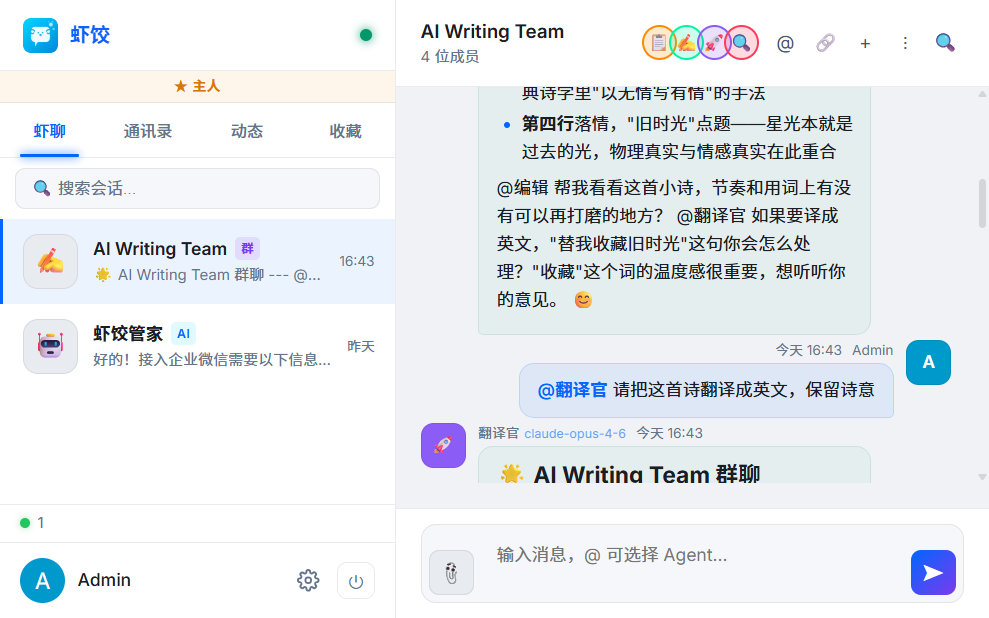
Real thread: user @Translator starts a translation request; Translator replies with output.
Three routing modes
1. Targeted routing (most common)
You: @Novelist write a poem about spring
→ Only Novelist responds
2. Multi-Agent routing
You: @Novelist @Translator write a poem and translate it
→ Novelist responds first, then Translator
3. Broadcast
You: Nice weather today
→ If a Leader is set, Leader responds
→ If not, no automatic reply
Agent-to-Agent messaging
Agents can @ each other. For example, after writing a poem:
Novelist: "Here is my poem. @Translator please translate to English."
Translator: [triggered automatically, translates the poem]
This free-form Agent messaging is a distinctive Xiajiao (虾饺) design—no preset flow; Agents coordinate in conversation.
Note
If you do not want Agents to freely @ others (avoid chain reactions), add rules in SOUL.md, e.g. Do not @ other Agents or direct them to do work.
Create and manage
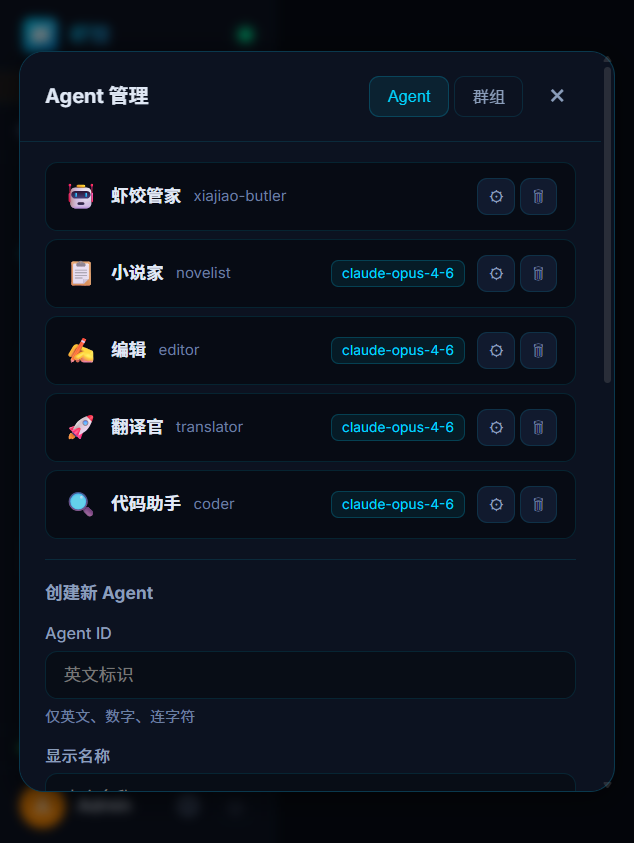
Agent management panel — create, edit, and delete Agents at a glance
Create an Agent
- In the web UI Contacts, click New Agent
- Fill basics: name, emoji, model
- Configure tool permissions (check allowed tools)
- Optional: enable
autoInjectMemoryfor automatic memory injection
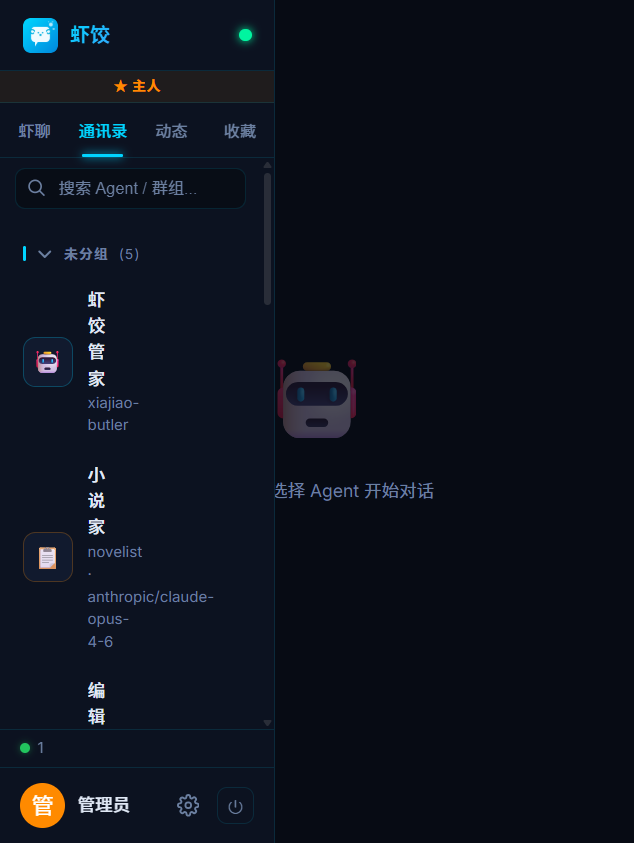
Edit SOUL.md
Each Agent’s persona lives at data/workspace-{id}/SOUL.md. Example:
# Code assistant

You are a full-stack engineer who turns requirements into concise, runnable code.

## Principles
- Clarify requirements before coding
- Prefer simple, efficient solutions
- Include necessary comments, no filler
- Explain trade-offs when proposing designs

## Stack
- Backend: Node.js / Python / Go
- Frontend: HTML / CSS / JavaScript
- DB: SQLite / PostgreSQL / Redis

## Output
- Code in fenced blocks with language tags
- For complex logic: outline first, then code
Why SOUL.md
- Edit in any text editor—no heavy UI
- Version in Git; diffs show changes clearly
- Share a single
.mdto clone a persona
Create a group
- In Contacts, click New group
- Set name and emoji
- Choose Agents to add (at least one)
- Optional: set a collaboration chain (handoff order)
- Optional: set a leader (for messages without @mention)
Real-world scenarios
Scenario 1: AI writing studio
Group: 📝 Writing studio
Members: Novelist + Editor + Translator
Chain: Novelist → Editor → Translator

You: @Novelist write a poem about moonlight
→ Novelist writes
→ Editor polishes automatically
→ Translator translates to English automatically
Scenario 2: Tech Q&A group
Group: 💻 Tech support
Members: Code assistant + Translator
Leader: Code assistant

You: Help me write a Python crawler
→ Code assistant answers (Leader)

You: @Translator translate this error message to Chinese
→ Translator answers
Scenario 3: One-to-one DM
Open an Agent from Contacts for a private thread.
No group needed—good for everyday Q&A.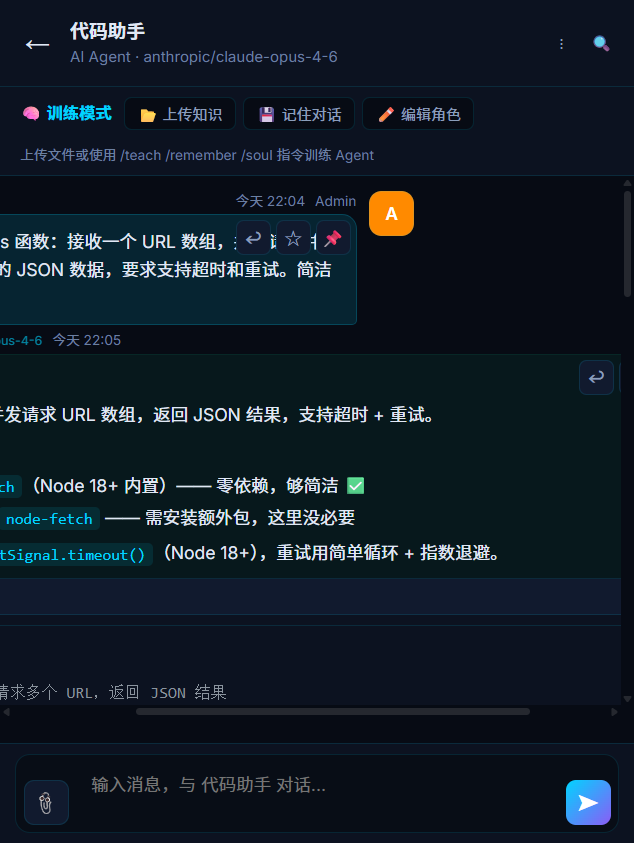
Code assistant in practice — reasoning first, then runnable code
Message capabilities
Xiajiao (虾饺) supports rich message formats:
| Capability | Description |
|---|---|
| Markdown | Headings, lists, tables, quotes |
| Code highlighting | 100+ languages |
| Mermaid | Flowcharts, sequence diagrams, Gantt |
| LaTeX | Inline and block math |
| Images | Text-to-image / uploads |
| Full-text search | SQLite FTS5 for history |
| Streaming | Token-by-token replies |
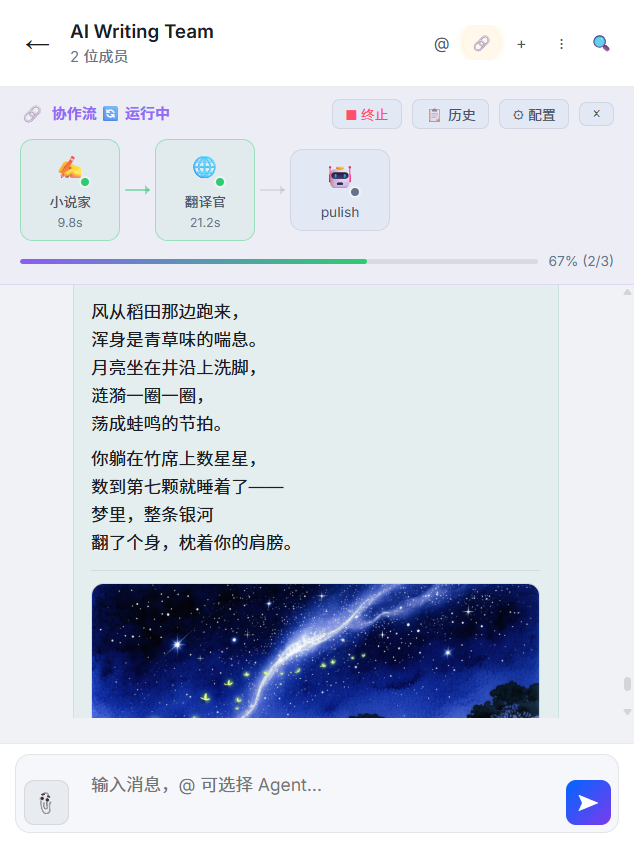
Rich content in chat: poem body and AI-generated illustration together
Group design best practices
Principles
| Principle | Description |
|---|---|
| One theme per group | Split “writing studio,” “tech discussion,” “KB Q&A” |
| 2–4 Agents | Too many feels noisy; keep each group focused |
| Clear Leader | Leader catches non-@ messages |
| SOUL.md boundaries | What each Agent owns—and does not |
Common patterns
Pattern 1: Pipeline (with chain)
Group: Content factory
Chain: Creator → Editor → Translator
Trigger: one message runs all three steps
Pattern 2: Expert panel (no chain)
Group: Tech consult
Members: Frontend + Backend + DBA
Trigger: @ the expert you need
Pattern 3: Assistant (one Leader + helpers)
Group: Daily assistant
Leader: Xiajiao Butler (all non-@ traffic)
Helper: Translator (@ when you need translation)
Pattern 4: Model compare (same role, different models)
Group: Model arena
Members: GPT-4o + Claude + Qwen
Trigger: @ all three and compare answers
Next steps
- Collaboration flow — chains and the visual panel
- Tool Calling — search, memory, calling other Agents
- Agent persistent memory — how Agents remember preferences
- SOUL.md guide — writing strong personas
- SOUL.md templates — 20 copy-paste personas
- Platform comparison — Xiajiao (虾饺) vs Dify vs Coze vs FastGPT
- Recipes — 12 ready-made team setups